

Description
Download Daggerfall Unity – Free RPG, Cross-Platform, Mod Support, Open World Adventure
Overview
Daggerfall Unity reimagines the legendary 1996 RPG, Daggerfall, by harnessing modern technology to restore and expand its expansive open world. Designed for fans of classic role-playing games and newcomers alike, the app offers a deep, immersive experience rooted in rich lore and endless exploration. It addresses the limitations of aging software by delivering updated performance, enhanced visuals, and improved mechanics while preserving the original game’s spirit. The target audience includes retro gaming enthusiasts, open-world adventurers, and modding communities seeking a dynamic, customizable RPG experience.
The developer did not provide additional technical details about the project’s origins or team structure, but the initiative is clearly community-driven and open-source in nature. Real-world use cases include long-form storytelling, player-driven quests, and collaborative mod development. In the broader app ecosystem, Daggerfall Unity stands out as a testament to preservation and innovation—reviving a landmark title without relying on commercial interests. Its cross-platform availability ensures accessibility across diverse user bases, making it a significant contribution to retro gaming and digital heritage.
Key Features & Functionality
- Cross-Platform Availability: Daggerfall Unity is available on Windows, Linux, and Mac, enabling players to access the game regardless of their operating system. This inclusivity broadens the player base and supports diverse hardware environments.
- User-Friendly Installation: The installation process is designed to be straightforward, though users may encounter minor challenges with the Steam version, which does not include the latest patch by default. Official guides are available to assist with setup across all platforms.
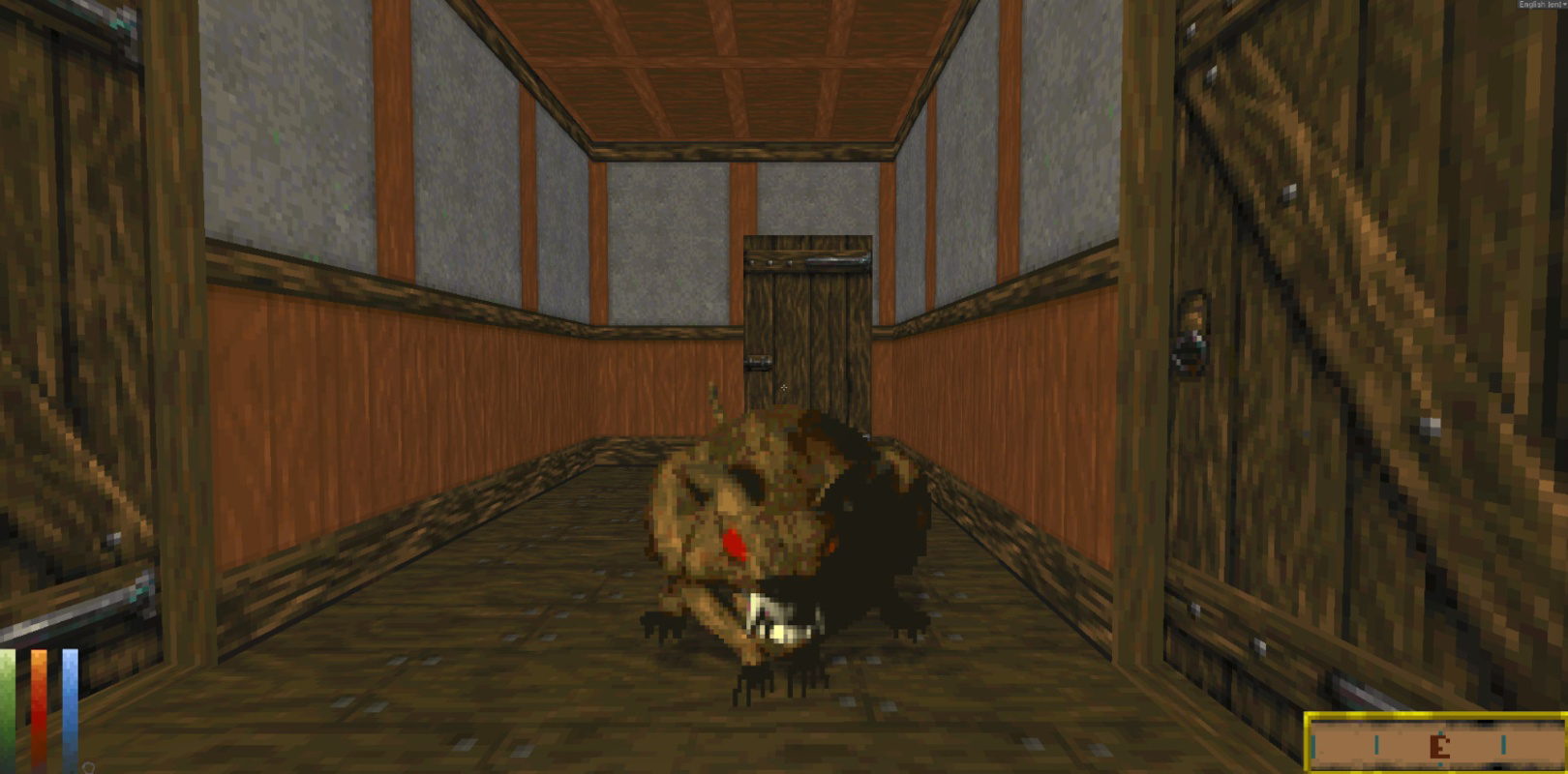
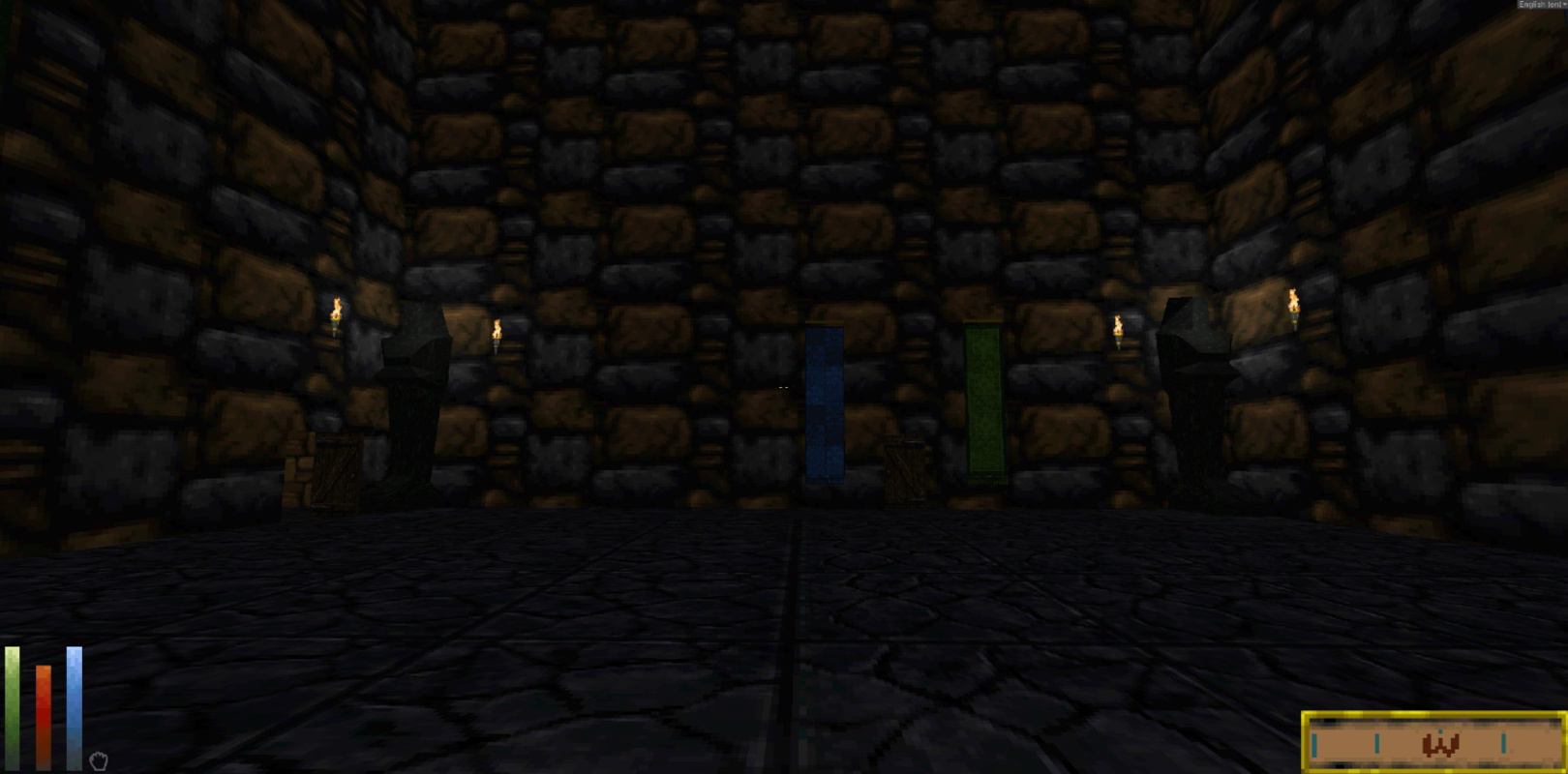
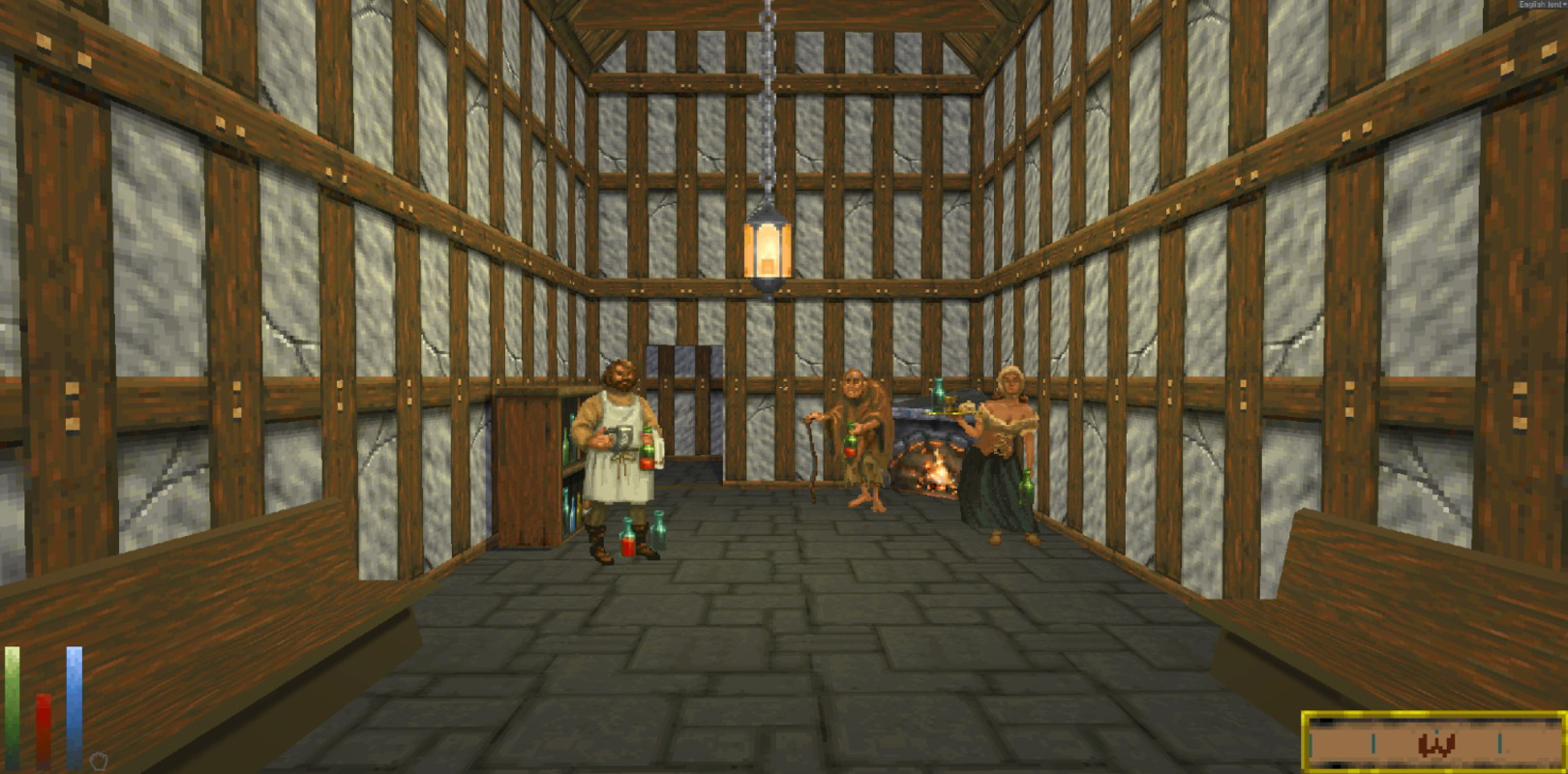
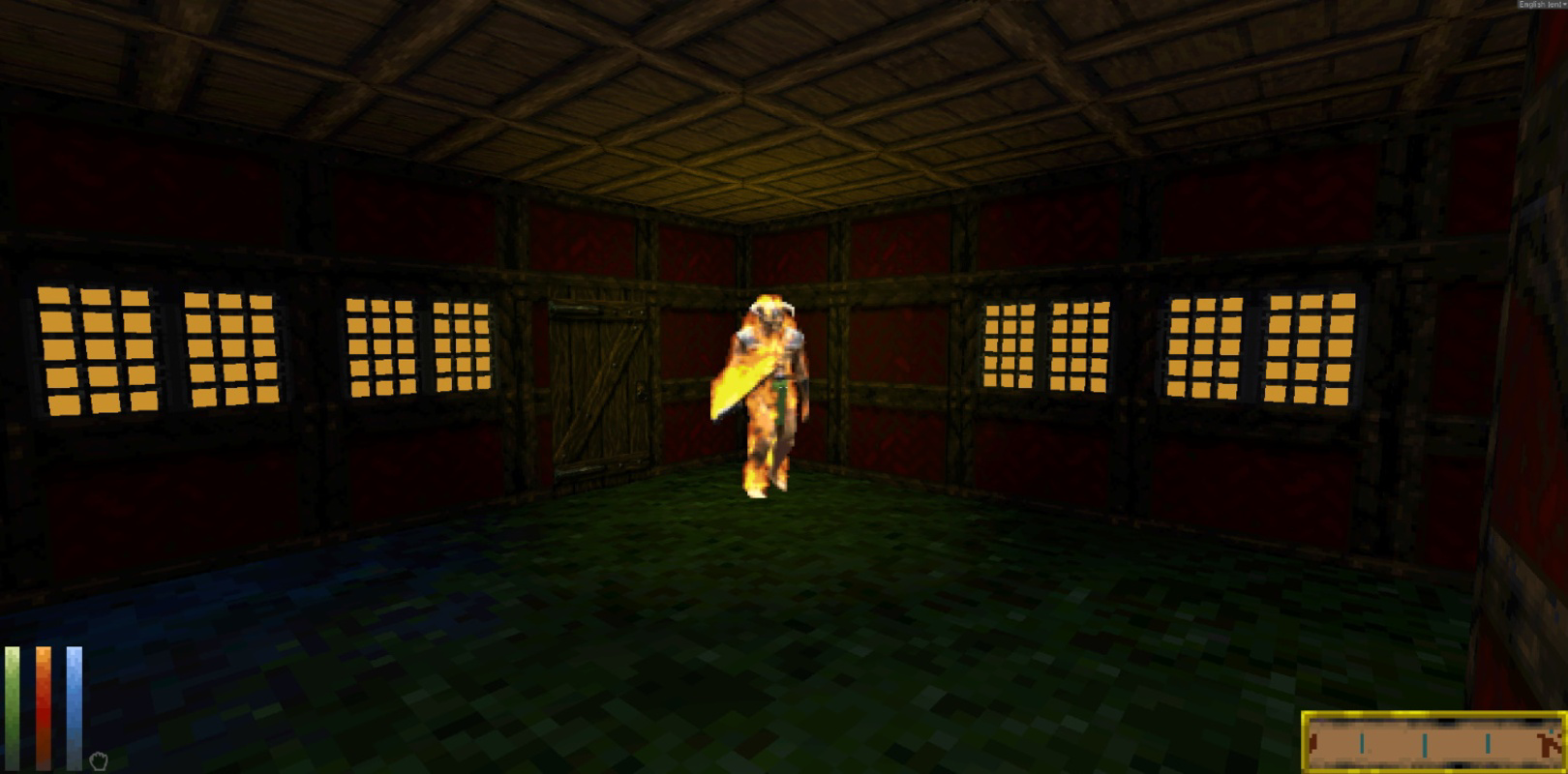
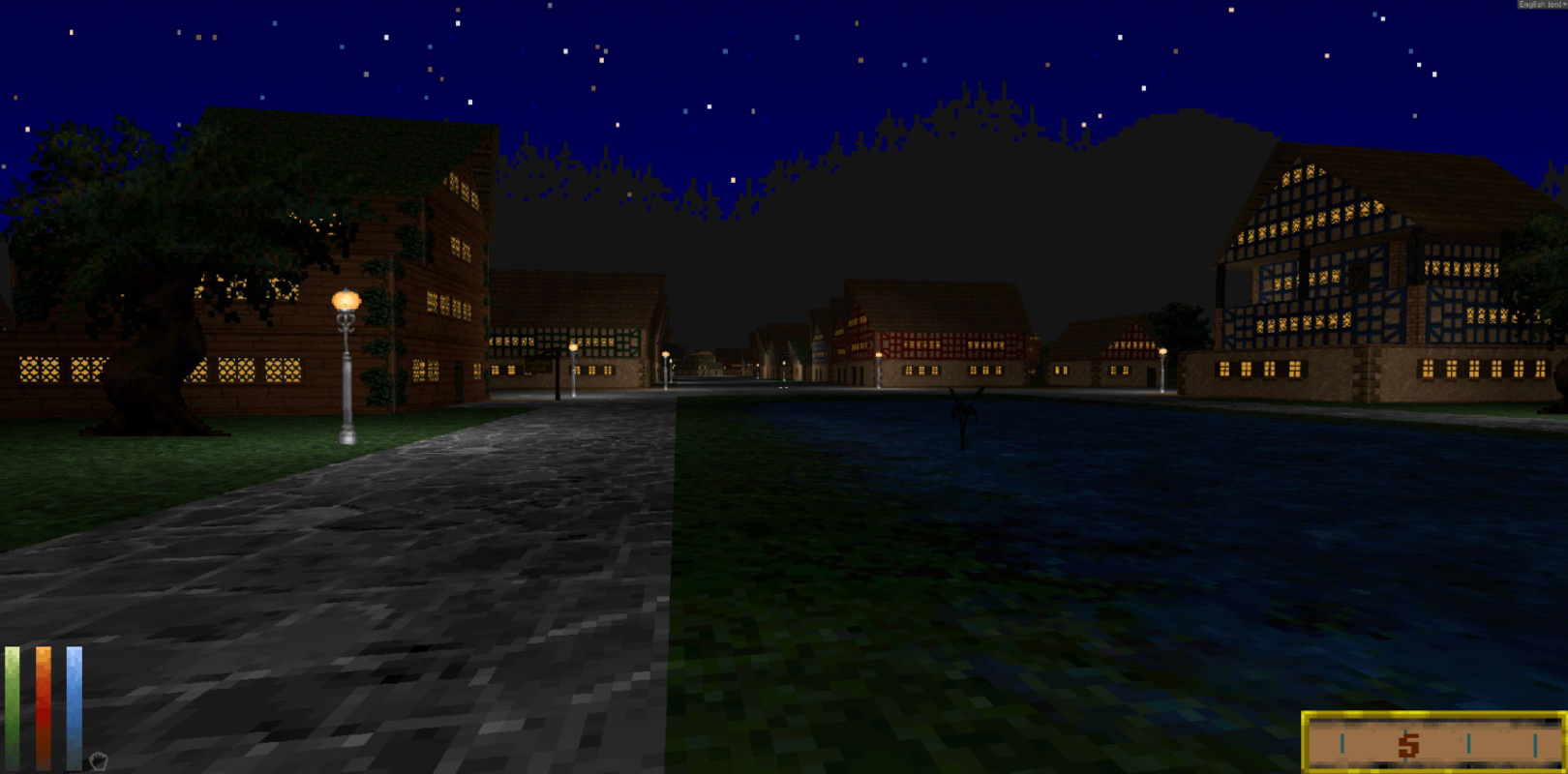
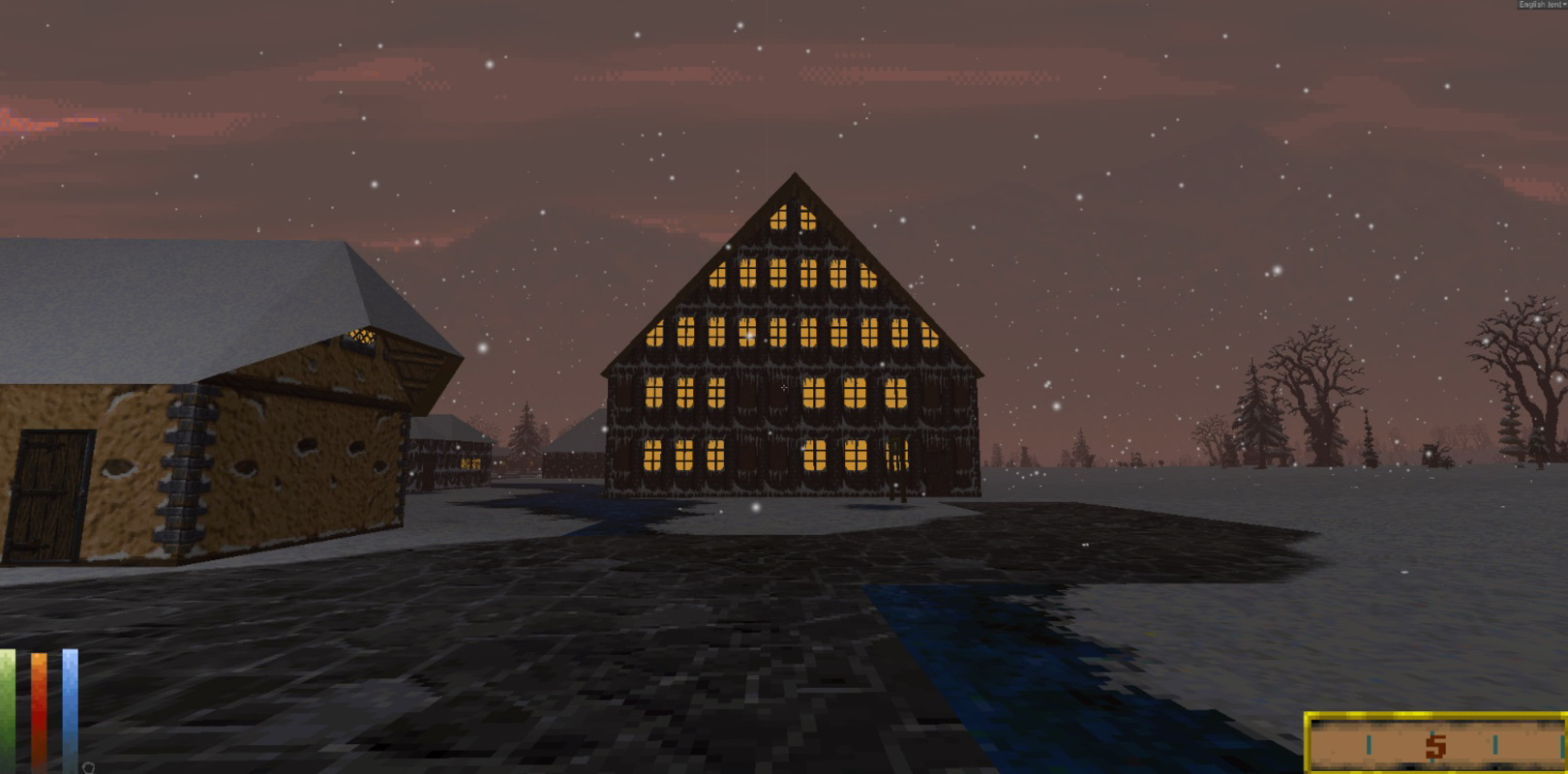
- Graphical Enhancements: The game features improved first-person controls, increased draw distance, and a modern lighting system. Players can adjust graphics settings to suit their hardware, achieving high-resolution visuals and smoother rendering.
- Epic Exploration: The vast, procedurally generated world invites players to explore sprawling landscapes, ancient ruins, and intricate cities. This open-world design remains one of the most ambitious in RPG history, offering hours of discovery and narrative depth.
- Mod Support: Full modding capabilities allow users to customize gameplay, introduce new content, and enhance visuals. This flexibility ensures long-term engagement and community-driven evolution of the game.
For example, a player on a mid-tier PC can adjust graphics settings to balance performance and visual fidelity, while a modder can create a new faction or overhaul the combat system. These features collectively enhance accessibility, longevity, and personalization, making Daggerfall Unity a powerful tool for both casual play and deep engagement.
Interface, UX & Performance
The user interface of Daggerfall Unity reflects a balance between retro authenticity and modern usability. While the core menus and HUD are inspired by the original game, they have been adapted for clarity and responsiveness. Navigation is intuitive, with well-organized menus for inventory, quest tracking, and character management. The game’s visual style maintains the gritty, hand-crafted aesthetic of the 1996 release, enhanced with updated textures and lighting.
Although the developer did not list formal performance metrics, the app is designed to run efficiently across a range of hardware configurations. Performance may vary depending on device capabilities, but the ability to adjust graphical settings helps maintain stability. Responsiveness is generally strong, with minimal input lag during exploration and combat. The game’s stability is supported by active community testing and regular updates. Users on lower-end systems may benefit from reduced resolution and draw distance settings to ensure smooth gameplay.
Platform Compatibility & Technical Requirements
Daggerfall Unity is available on Windows, Linux, and Mac, supporting multiple operating systems. The file size is not specified, but the app is designed to be lightweight relative to modern AAA titles. The software version is not listed, though the game receives regular updates through community development. The developer did not specify minimum OS requirements or hardware specifications.
Compatibility information was not fully disclosed. Users should consult the official website for platform-specific installation guides. While the app is free to download and play, the exact system requirements for optimal performance were not provided. This lack of detail may affect users with older or non-standard devices, but the multiplatform nature of the app increases its reach across different ecosystems.
Pros and Cons
Pros
- Free to download and play across multiple platforms
- Highly customizable graphics and gameplay settings
- Full mod support for community-driven content and customization
- Preserves the original game’s expansive world and lore
- Active community and regular updates from developers
Cons
- Installation process may require technical knowledge for some users
- Steam version does not include the latest patch by default
- Developer did not provide detailed system requirements
- Performance may vary without clear hardware guidelines
- No official mobile version or Android/iOS support
FAQ
Is Daggerfall Unity available on mobile devices?
The app is currently available on Windows, Linux, and Mac. There is no official mobile version or support for Android or iOS at this time.
Can I play Daggerfall Unity without downloading from Steam?
Yes, Daggerfall Unity can be downloaded directly from the official website, providing users with alternative installation methods outside of Steam.
Are there any costs associated with playing Daggerfall Unity?
No, the game is completely free to download and play. There are no in-app purchases or subscription fees.
How often are updates released?
Updates are released regularly by the development team, driven by community feedback and bug fixes. The frequency may vary but is consistent with active open-source maintenance.
Is modding safe and supported?
Yes, mod support is fully integrated and encouraged. The community provides extensive documentation and tools to help users create and install mods safely.
Final Thoughts
Daggerfall Unity stands as a remarkable achievement in digital preservation and open-source game development. It successfully bridges the gap between nostalgia and modern gaming, offering a rich, expansive world that remains relevant decades after its original release. The combination of cross-platform access, mod support, and visual enhancements makes it a standout choice for RPG fans and explorers of digital history. While the lack of detailed technical specifications may pose challenges for some users, the game’s community-driven nature ensures ongoing support and improvement.
Whether you're a longtime fan of the original or a newcomer discovering the magic of classic RPGs, Daggerfall Unity delivers unparalleled depth and freedom. Its value lies not just in gameplay, but in its ability to keep a beloved title alive and evolving. Download Daggerfall Unity now.
Guides & Tutorials for Daggerfall Unity
How to install Daggerfall Unity
- Click the Preview / Download button above.
- Once redirected, accept the terms and click Install.
- Wait for the Daggerfall Unity download to finish on your device.
How to use Daggerfall Unity
This software is primarily used for its core features described above. Open the app after installation to explore its capabilities.
User Reviews for Daggerfall Unity 0
No reviews found


